The Challenge
The goal of this project was to model a realistic perfume bottle, create a custom texture, and apply a brand label onto the glass surface using UV Editing techniques.
- The writing on the label is too small and difficult to read.
- It would be nice to have a video with the 3D model instead of just a static image.
Visual Comparison
Before
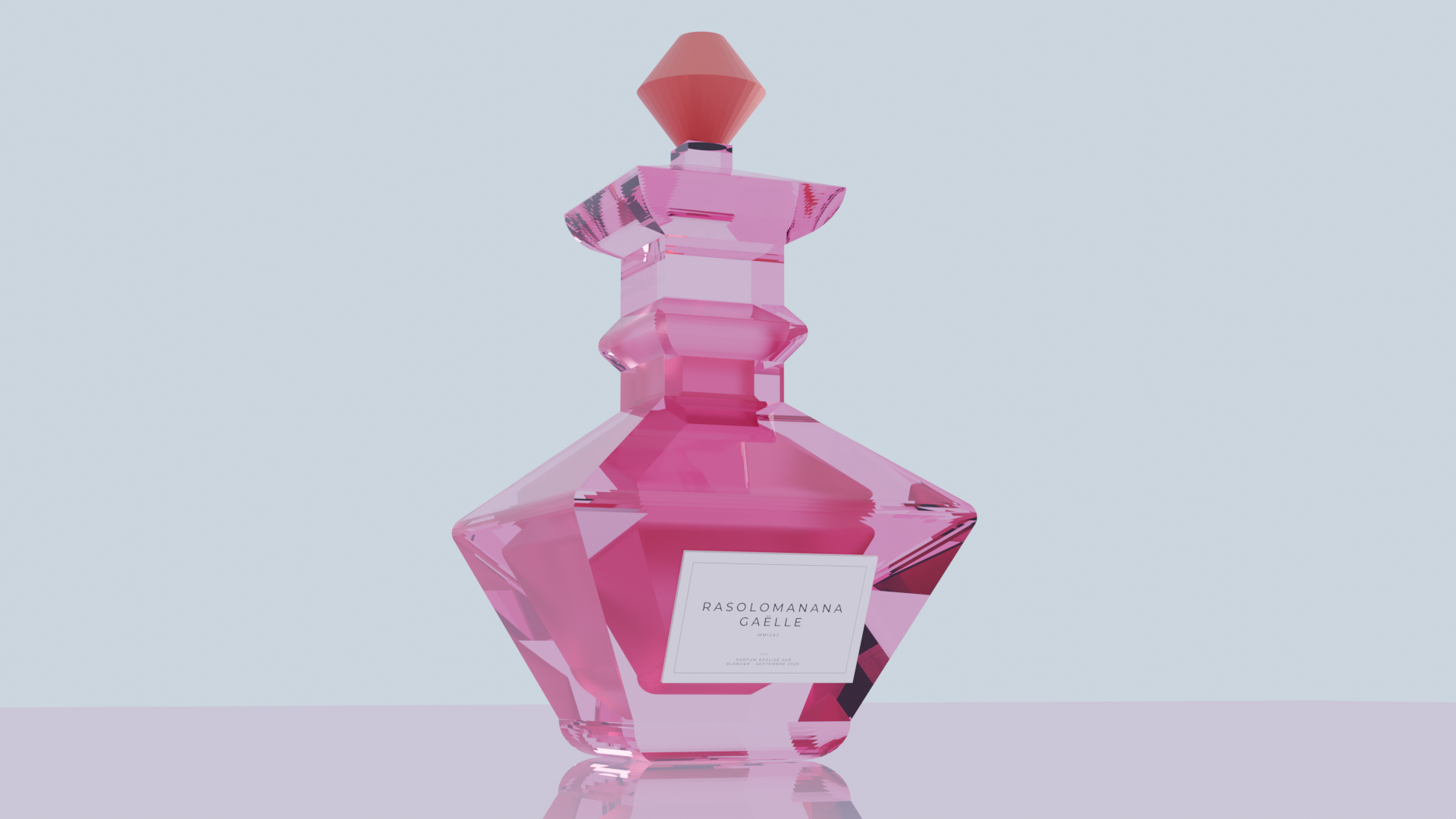
Static render. The text on the label is tiny and unreadable.
After
Animated render. Text is clear and legible.
Key Improvements
1. UV Editing & Readability
To address the readability issue, I went back to the UV Editing workspace. I adjusted the UV map to scale up the text elements on the label texture. This made the brand name clearly legible without needing to change the bottle's shape or material.
2. 3D Animation (Blender)
To showcase the product better, I moved from a static render to a full animation:
- Dynamic Presentation: Created a turntable animation in Blender to show the bottle from all angles.
- Rendering: Exported the project as an MP4 video, allowing for a more immersive presentation of the 3D model.